 Tiny Click
Make photos tiny.
Smaller copies of your iPhone photos, made right on the iPhone. Nothing leaves the phone, and nothing is deleted until you say so.
Free, and not on the App Store. You build it with Xcode.
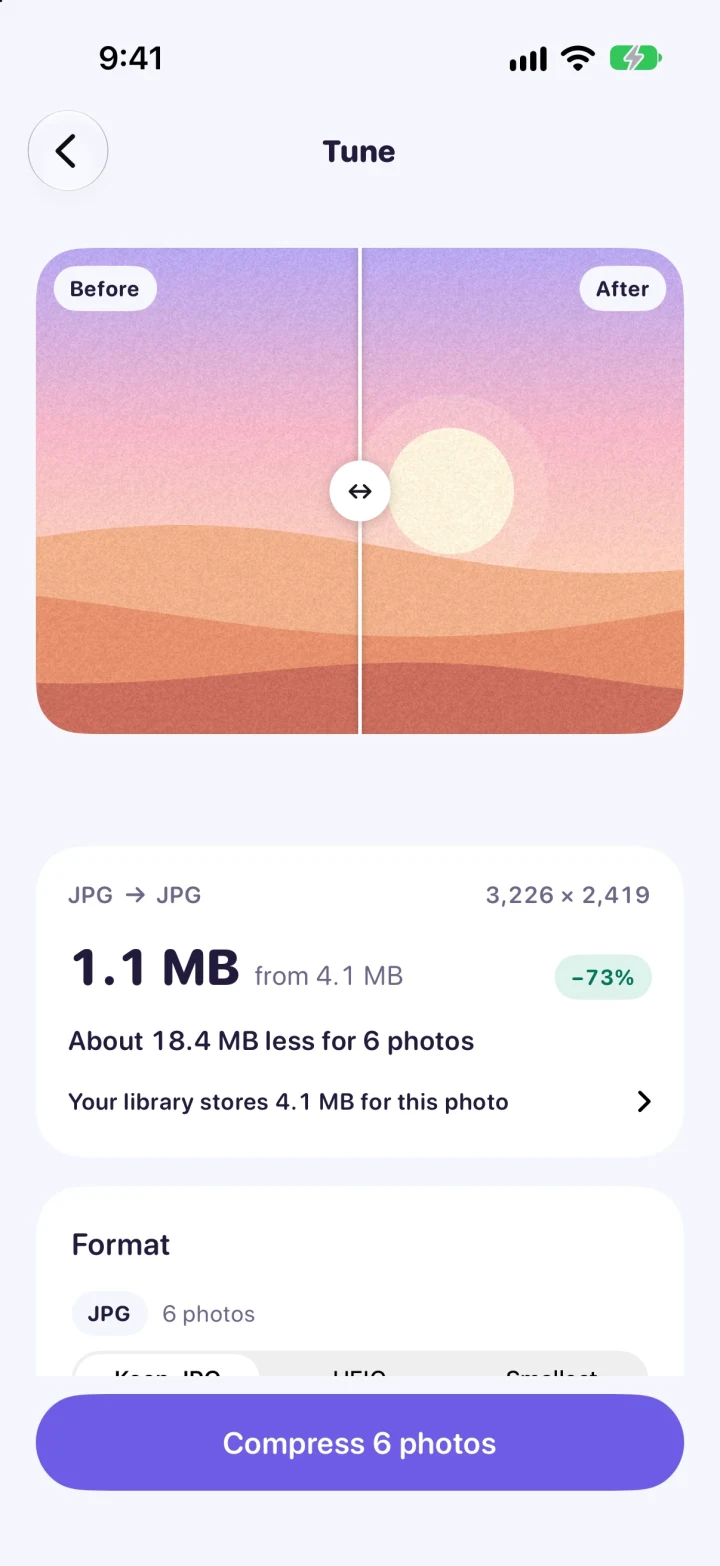
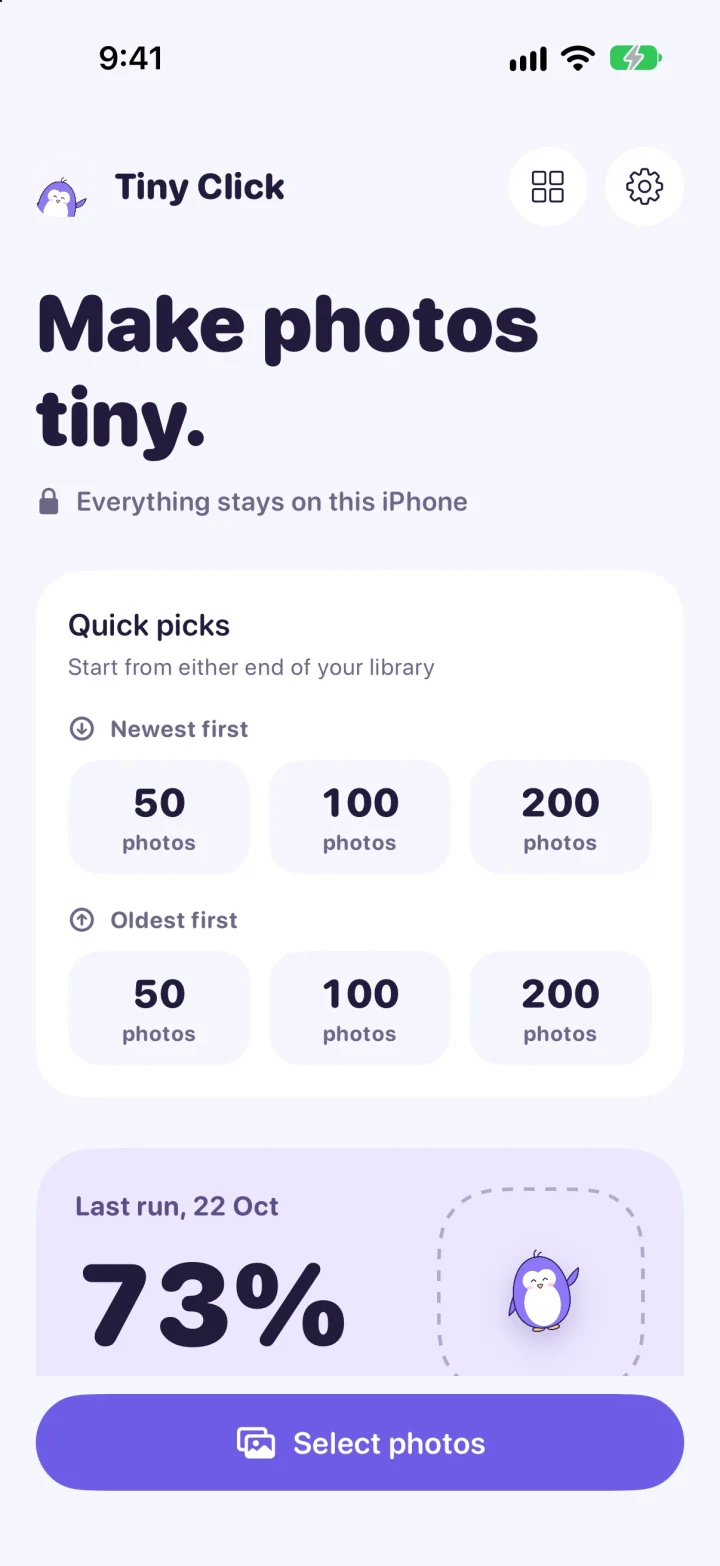




72% smaller.
Same photos.
Tiny Click took 49 real photos from an iPhone 16 from 170.7 MB down to 47.6 MB, with its default settings. On screen, they look the same.
See how it was measuredSee the saving first.
Slide between before and after. The size on screen is the real size of the copy, worked out on your iPhone, not a guess.
- HEIC, JPG, or Smallest
- Up to 200 photos at once
- Quality and size to taste
Can you tell which is which?
Drag the line. On the left, the original at 4.2 MB. On the right, Tiny Click's copy at 1.1 MB.
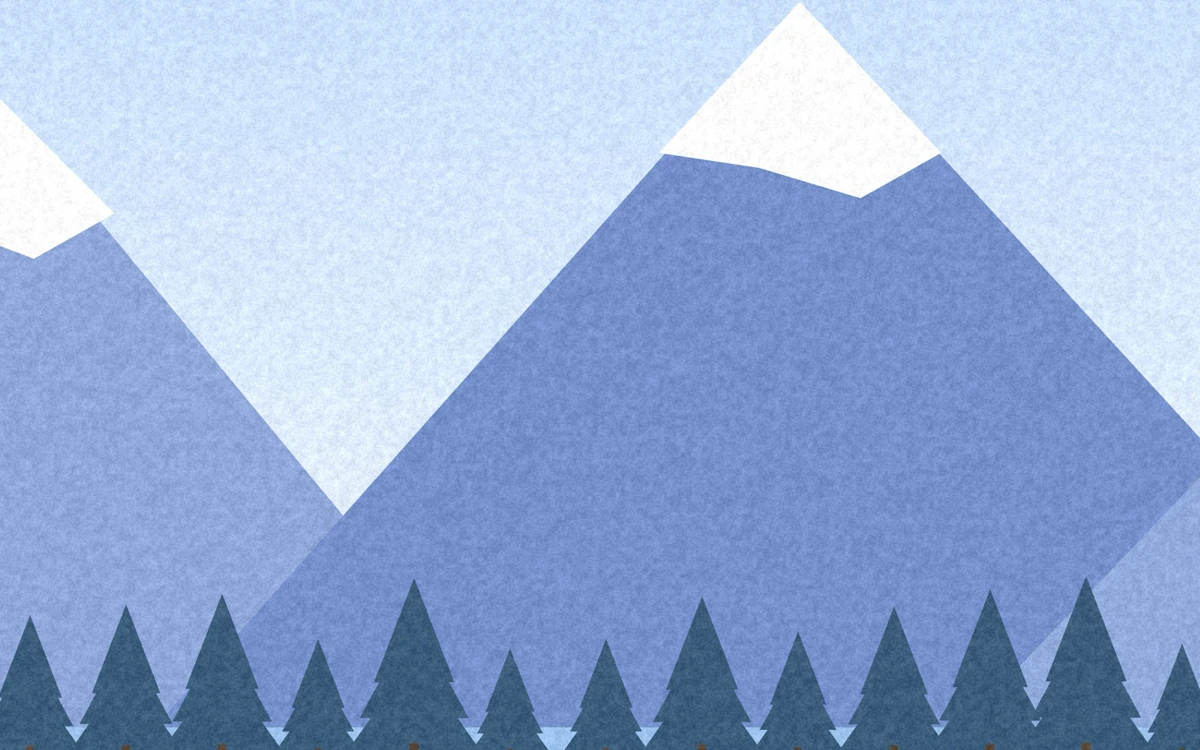
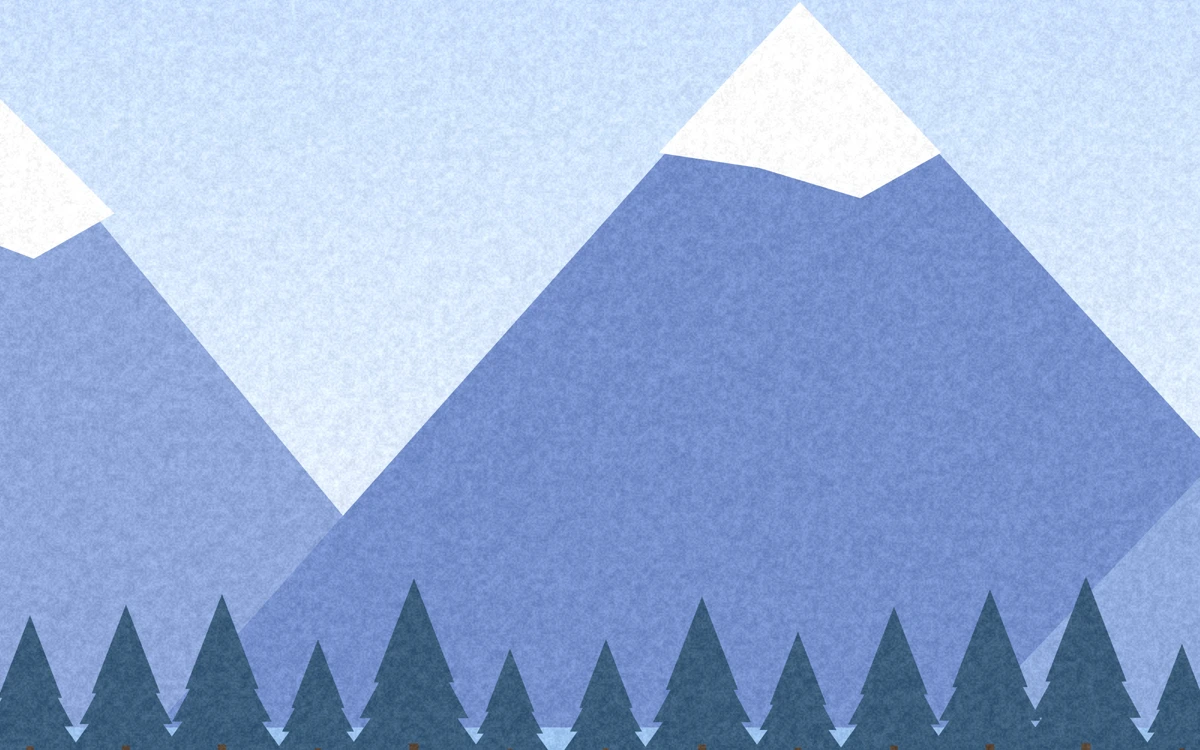
A drawn sample scene. The copy is a real encode by the app's engine, shown here as WebP.
Keeps every detail.
Each copy keeps the capture date, place, camera, favorite, and albums of its original, so it sits in the same spot in Photos. HDR highlights still glow.
Check every copy.
Tiny Click reads each copy back from your library before it counts. Copies that save too little start unchecked. You choose what to save, and when the originals go.
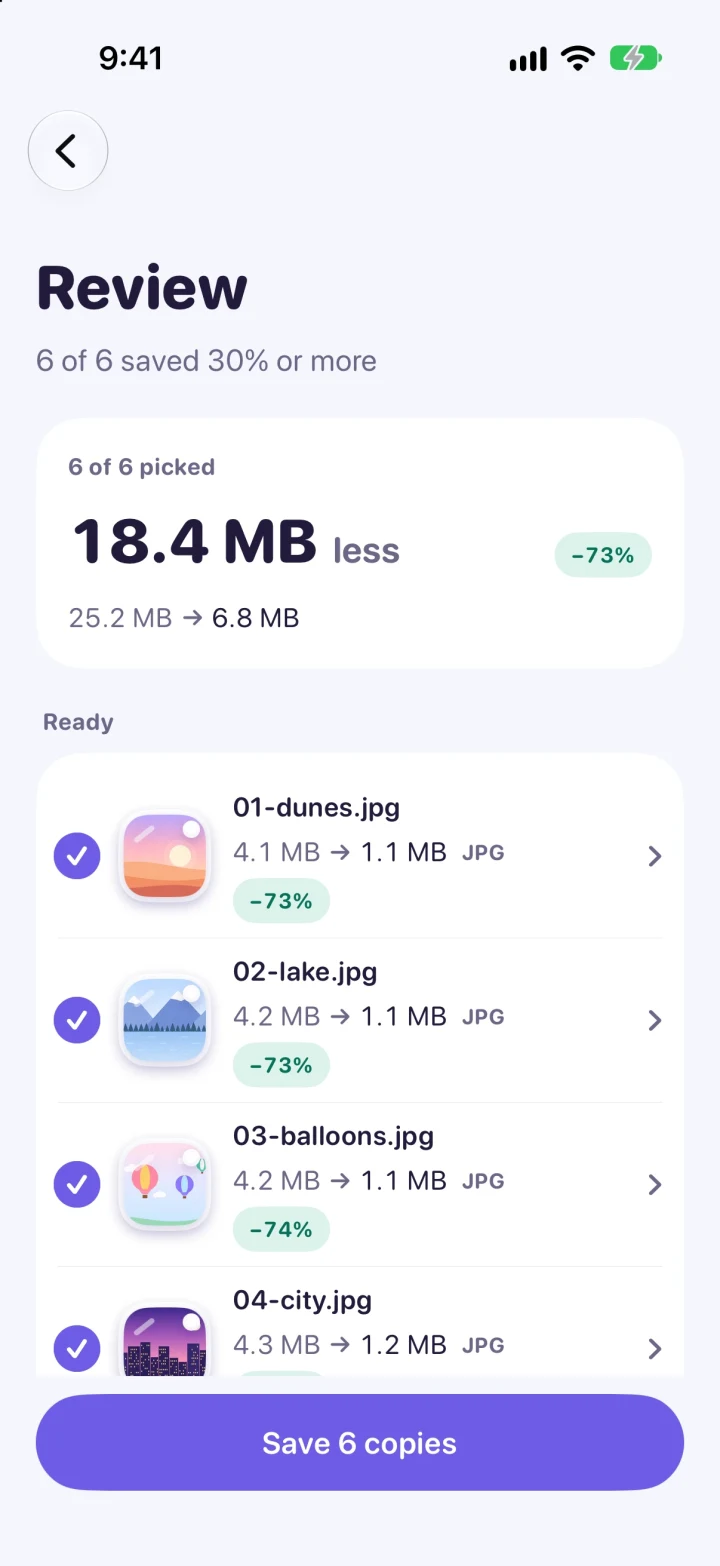
Find what takes space.
Every photo and video, biggest first. Select the top 100 in one tap, or drag across a row. Then delete them, or make them tiny.
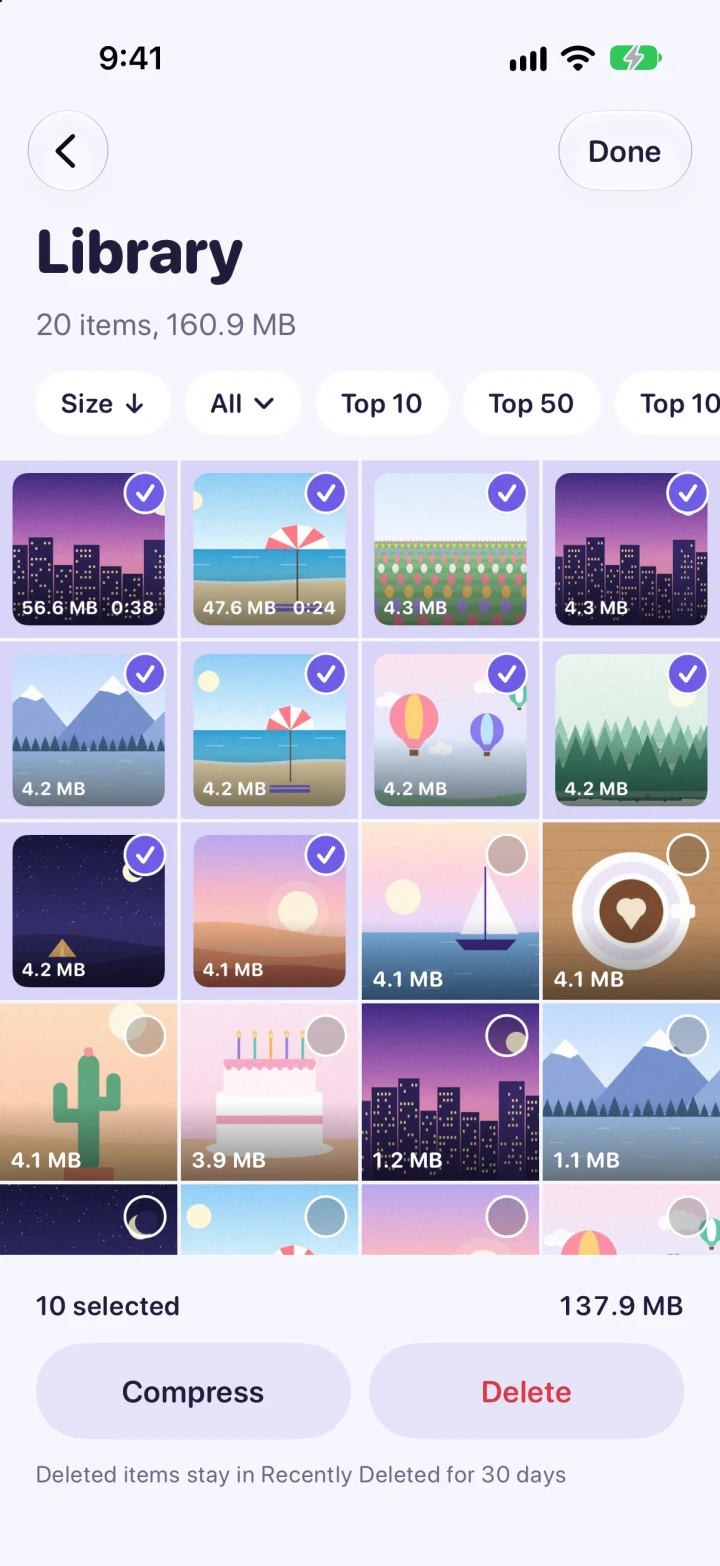
 56.6 MB
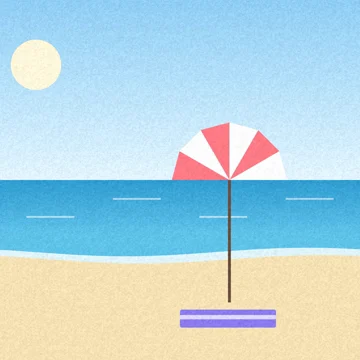 47.6 MB
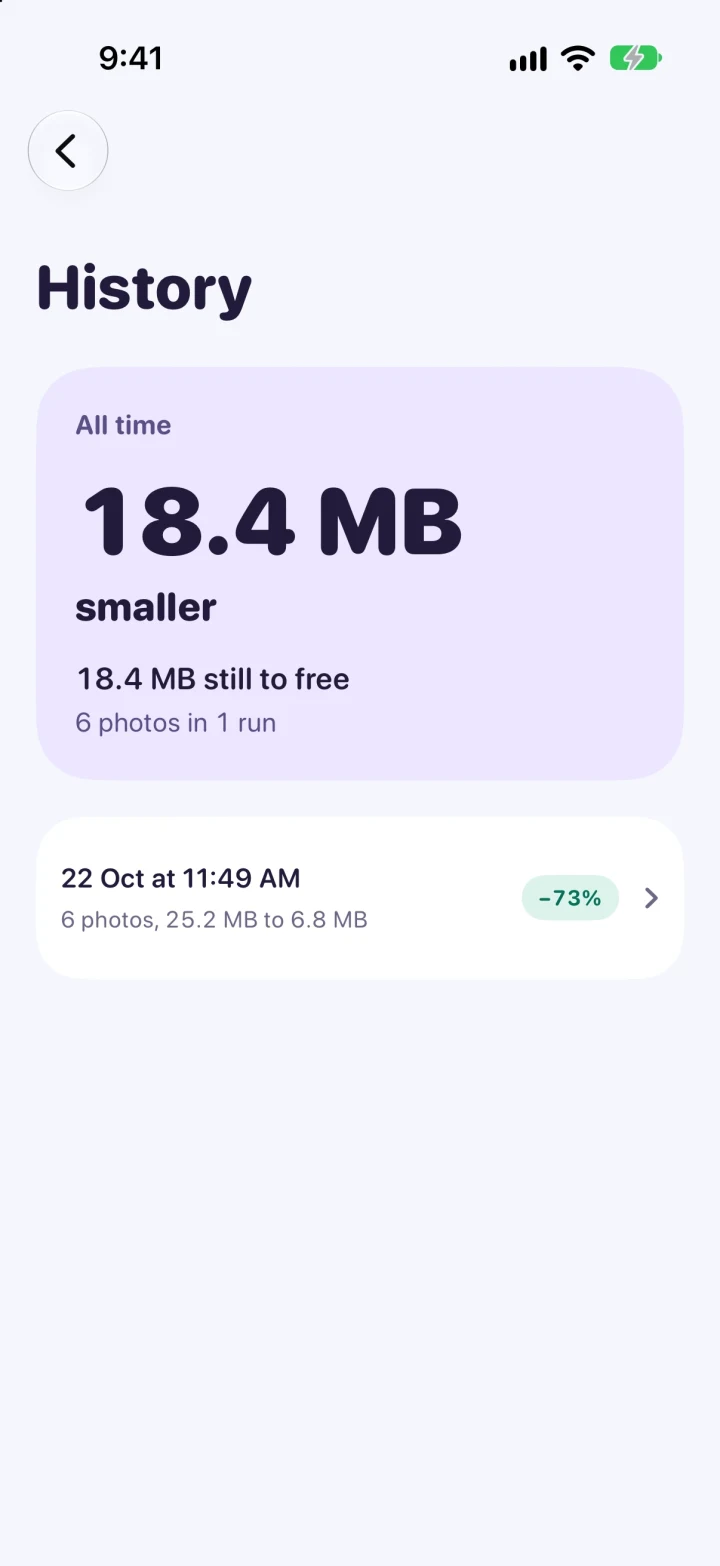
Every run, remembered.
See what each run saved, what is already freed, and what is still to free.

No server. No account.
No tracking.
Everything happens on your iPhone. Your photos never leave it.
Run it on your iPhone.
Tiny Click is free, and the code is on GitHub. You build it with Xcode and run it on your own phone.
Get Tiny Click on GitHubWith a free Apple ID, run it from Xcode again every 7 days.
- A Mac with Xcode
- An iPhone on iOS 17 or later
- A free Apple ID
- Clone the code
git clone https://github.com/kothariji/tinyclick.git - Open
TinyClick.xcodeproj - Choose your iPhone, then press Run
Good to know: a copy is a new photo to Photos. It shows as saved by Tiny Click, so groups by app lose it once the original is deleted. Photos scans its faces again over a few nights, and captions and keywords stay with the original.